






Platforms for sports and gaming are often simple to use, but security must always be a priority over convenience. If you’re creating an account, looking over platform features, or adjusting your account settings, taking a few minutes to review the basic safety tips will help you avoid many of the common issues.
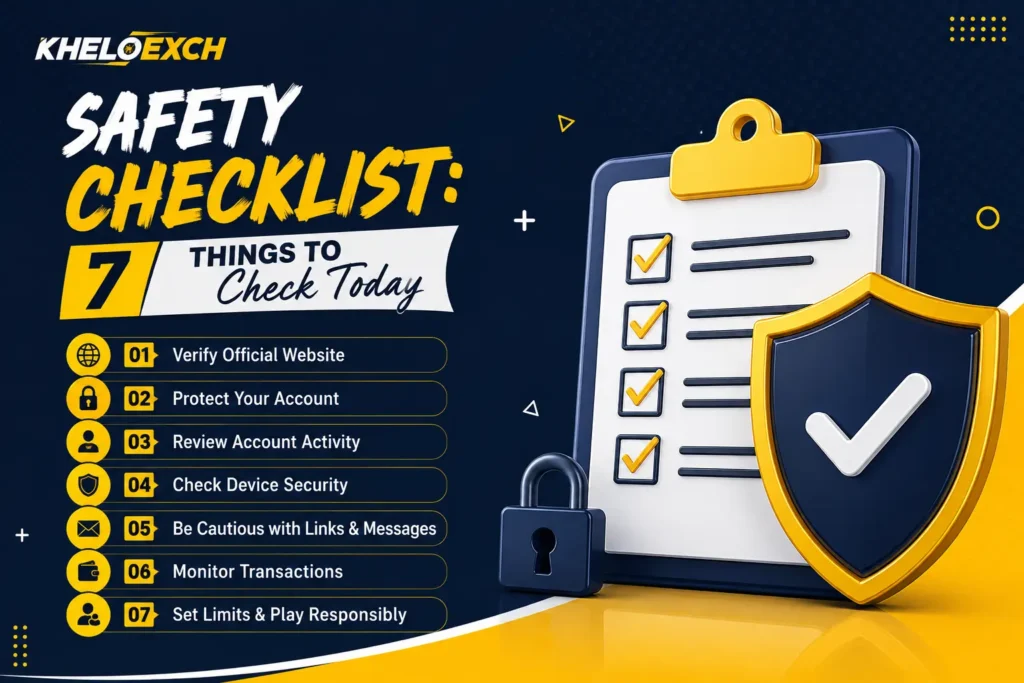
A comprehensive safety checklist doesn’t have to be complex. Simple actions like looking up the website’s address, securing your login information, and analyzing the activities of your account can make you feel more secure and help you stay safe. If you are using or investigating KheloExch, the seven tests can be useful today.
1. Check That You Are Using the Correct Website
First, you should check the website’s address. Websites that are fake can often employ names, designs, or logos that appear similar to authentic platforms. Before entering your password, username, or number, as well as other personal details, be sure to look up the address on your internet browser.
Beware of opening accounts through unfamiliar links that are sent by strangers or websites that aren’t trusted. If you notice a link that looks odd or has spelling errors, or takes you to unrelated pages, be sure to stop and review before proceeding.
Establishing this routine is among the simplest steps to take in any safety checklist.
2. Protect Your Login Information
Your account password must be treated as confidential information. Never give your password out to family members, strangers, online groups, or anyone else who claims to offer support for your account.
It is also recommended to stay clear of simple passwords that are based on your birthday, name, or phone number, or typical phrases. A strong password must be difficult for anyone to figure out. If your platform offers additional options to secure your account, look over the options and turn on features that are appropriate.
Be aware that legitimate support should not be requiring you to give out sensitive login information. Making sure that your login information is secure will give your account a vital first line of defense.
3. Review Your Account Information
Spend a few minutes reviewing the details linked to the account. Check your registered number as well as your account email, profile information, and other settings available. Verify that the information is accurate and is yours.
If you observe an unusual alteration, take it into consideration instead of just ignoring it. A sudden change in account details could indicate that someone else has access to the account.
Regular reviews of your account are beneficial since small issues are typically simpler to address if they are discovered early.
4. Check Your Device Before Logging In
Security of your account isn’t just dependent on the platform. Your device is also important. Before you log in to KheloExch as well as any other online service, be sure that your device has security features.
Maintain both your system operating system and web browser current. Avoid installing untrusted applications just because a stranger or a website advises you to. Be aware when using public computers, shared computer devices, or insecure networks.
If you are using a device shared with others, be sure to log off when you’ve finished your session. This simple action can to prevent someone else from logging into your account later.
5. Be Careful With Messages and Links
Online users can receive messages that cause an urgency. It could be that a message states that an account is blocked, a transaction requires confirmation, or a deal is due to expire in a matter of minutes. These messages may encourage users to click the link without examining the specifics.
Don’t automatically believe messages simply because they reference KheloExch or are branded in a way that is familiar. Find out where the message originated from and if the information makes sense.
Do not divulge passwords, verification codes, or any other information that is sensitive in response to pressure you received through an email. If you suspect something, you should take a moment to check it out using an authentic source.
6. Review Payment and Transaction Details
If you are using an online platform that involves withdrawals, deposits, or any other financial transaction, monitoring the transactions is a vital element of your security list.
Check your transaction history frequently and ensure that the information corresponds to what you actually performed. Do not transfer funds to a person you don’t know simply because they say that they are the platform. Be cautious with messages sent through private chats or Facebook or Twitter accounts.
It is important to know the current rules for payment on the platform, limitations, processing details, and verification requirements prior to making a purchase. If you are unsure, be sure to check the official rules instead of taking the opinions of random users.
7. Set Personal Limits and Use the Platform Responsibly
Safety online isn’t only about devices and passwords. It is also about how you interact with the platform. Set clear limits on your time and expenditure and try to avoid rushing choices due to anger, excitement, or stress.
Have regular breaks and do not try to recover losses. If playing or using betting-related features stops feeling fun or starts to impact your day-to-day responsibilities, take a break and think about seeking appropriate assistance.
A responsible strategy helps maintain online entertainment within acceptable limits. If you are not of the legal age to use an online service in your region, don’t use it.
Why a Safety Checklist Matters
Many people believe that online security requires a lot of technical expertise. However, the majority of useful security measures are based on simple routines. Monitoring the website, securing your password, checking the activity of your account, being cautious when using links, and keeping track of transactions can limit the chance of committing a crime.
It is important to maintain consistency. A simple safety checklist is useful; however, making these checks a part of your routine online is more beneficial.
Final Thoughts
Making use of KheloExch or a similar online platform must begin with a basic understanding. Before focusing on the features or ease of use, ensure that your account or device, personal data, and spending habits are taken care of in a responsible manner.
The seven-point safety checklist will give an easy place to begin: check the site, safeguard your login information, check your account, safeguard your device, look into suspicious messages, track transactions, and ensure you are within your personal boundaries.
Just a few minutes of checking today could help you develop safe online habits that will last for years to come.
FAQs
Do you think checking the address of your website is really necessary?
Yes. Fake websites might look like authentic platforms. Be sure to verify the address prior to entering personal data.
Do I need to share the KheloExch username with Support?
No. Secure your password and be aware of anyone asking you for confidential login details.
When should I check my account?
A quick check periodically is a good way to stay on top of things. Be aware of any unfamiliar changes to your profile or account activity.
What do I need to know if I come across the link that seems suspicious?
Don’t click it right away. Make sure you verify the source, and then use an authentic route to gain access to your accounts instead.
What are the reasons to check the history of transactions?
Reviewing transactions regularly will help you spot unusual or unanticipated activity fast.
Is online security only about the security of your account?
No. This also means safeguarding your device, avoiding fraudulent messages, observing spending making use of online resources in a responsible manner.