





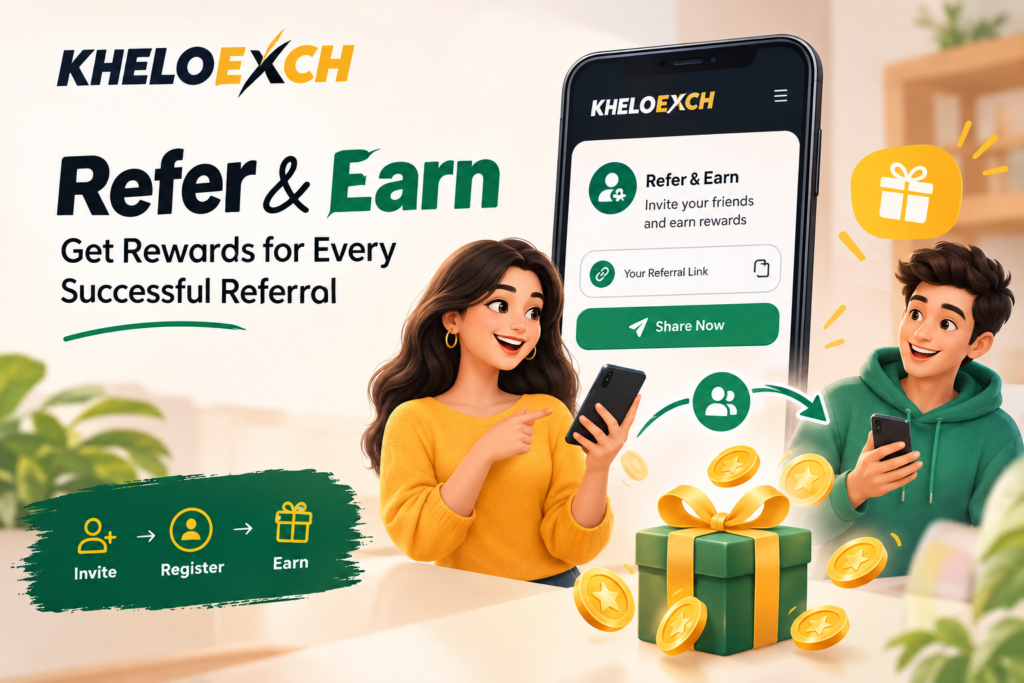
Already using Kheloexch? Your account may have more login & account features than usual. Refer & Earn option lets eligible users invite others using a referral link or code and receive the applicable reward when the referral meets the required conditions.
It’s a simple concept: share → register → take necessary steps → referral count. However, before you share your link, it’s helpful to know how the process works and what can make a referral pending.
Got a Referral Link? Start Here
If the Refer & Earn option is enabled in your Kheloexch account, then you will find your personal referral link or code in the referral section.
Do not send the random registration link, but the referral link in your account. This helps make sure your referral is tied to the new registration.
Here’s what an example referral journey looks like:
Open Kheloexch Account ↓
Refer & Earn ↓
Copy Your Referral Link/Code ↓
Share It With Your Referral ↓
New User Registers ↓
Required Conditions Are Completed ↓
Referral Becomes Eligible ↓
Applicable Reward Is Credited
The exact eligibility requirements depend on the referral offer that’s currently available, so before you refer someone, make sure to check the details provided in your account.
What Makes a Referral “Successful”?
That’s where a lot of the referral offers can get confusing.
Simply getting a person to click on your link doesn’t mean you have a completed referral. Referred users may be required to register through your referral and comply with other terms as stated in the active Kheloexch promotion.
Here’s the difference:
| Referral Activity | Usually Means |
| Link shared | Invitation has been sent |
| Link clicked | Referral has opened the link |
| Registration completed | New account has been created |
| Required conditions completed | Referral may become eligible |
| Referral approved/credited | Applicable reward can be processed |
Tip: Referral conditions may change so always check the current terms displayed in your Kheloexch account.
The 5 Things to Check Before You Share
Before you send your referral link to friends or other people, quickly check these points:
1. Is your referral link active?
Use the latest link or code available inside your account.
2. Does the new user qualify?
Some referral offers have eligibility requirements for new registrations.
3. Is registration required through your link?
If the offer needs your referral link or code, ensure it is used properly.
4. Are there additional requirements?
There may be certain procedures that the referral needs to follow before it qualifies.
5. Are there referral limits?
Some offers may have limits, validity periods or other restrictions.
Taking a moment to confirm these details can save you wondering down the line why a referral has not been logged.
Khelo Exchange Referral: Where Things Usually Go Wrong
Searching for khelo exchange referral details brings up old links, expired offers or incomplete instructions. This can create confusion where such confusion is not appropriate.
The best way to know if you are using a referral feature from Kheloexch is to check in your account directly.
For example, if someone says “I registered, but my referral is not showing” verify:
- If they used your referral link or code.
- If they had been properly registered.
- Whether the offer requires any further action.
- If the referral is still open.
- Are there any restrictions on the current offer for eligibility?
If you see a referral is pending, it doesn’t necessarily mean something has gone wrong.
Don’t Make These Referral Mistakes
Referral features are simple, but some avoidable mistakes can cause problems.
1. Using an old referral link: If you have created or received a new link, please use the latest one that is displayed in your account.
2. Assuming registration equals completion: The invited user may have other requirements to meet
3. Creating duplicate accounts: Do not create duplicate accounts to generate or trigger referral rewards.
4. Ignoring the terms: A referral offer may have terms, conditions or a validity period.
5. Sharing your account credentials: You can share your referral link without sharing your credentials to kheloexch login account with anyone.
Where Can You Check Your Referral Status?
To find out if Kheloexch has referral tracking in your account, the first place to check is the Refer & Earn section.
Depending on the interface you’re using, you’ll see information about invited users, referral progress, or rewards. If a referral is not credited, check the status against the conditions indicated for the current offer.
If everything looks complete but the reward is still missing, inquire about the specific referral through the Kheloexch support option available.
Kheloexch Refer & Earn FAQs
Can I share my Kheloexch referral link with anyone?
You may send the referral link to people you intend to invite, subject to the eligibility and terms of the active referral offer.
Does a referral count immediately after registration?
Perhaps not. If the offer is subject to additional conditions, the referral may remain open until those conditions are satisfied.
What if my friend registered without using my referral link?
The referral offer may require you to sign up using a specific referral link or referral code, in which case your sign up may not be linked to your referral. See current terms for applicable process
Can I use multiple accounts to generate referral rewards?
Do not set up duplicate or self-referral accounts to earn rewards. Follow the current Kheloexch referral terms.
How can I check whether my referral was successful?
If applicable, look for the Refer & Earn or Referral section of your Kheloexch account. Check referral status and reward details
Is the referral reward always the same?
Not always. Referral offers may have separate terms, restrictions and expiration dates. Check the offer before you share For latest details check current offer in your Kheloexch account.
Before You Share, Check the Offer
You can easily invite new users using the Kheloexch Refer & Earn feature, but before you start sharing your link, it’s important to know the terms and conditions.
Visit the referral section, look at the current requirements, copy your active referral link or code and send it to the target user. Once you have completed the necessary steps, log in to your account to verify if the referral has qualified for the corresponding reward.
The same rule applies if you are looking for khelo exchange referral details: check the current offer, not old reward claims or outdated referral information.